Create Hub, Carpe Diem playground: test chat and video without code
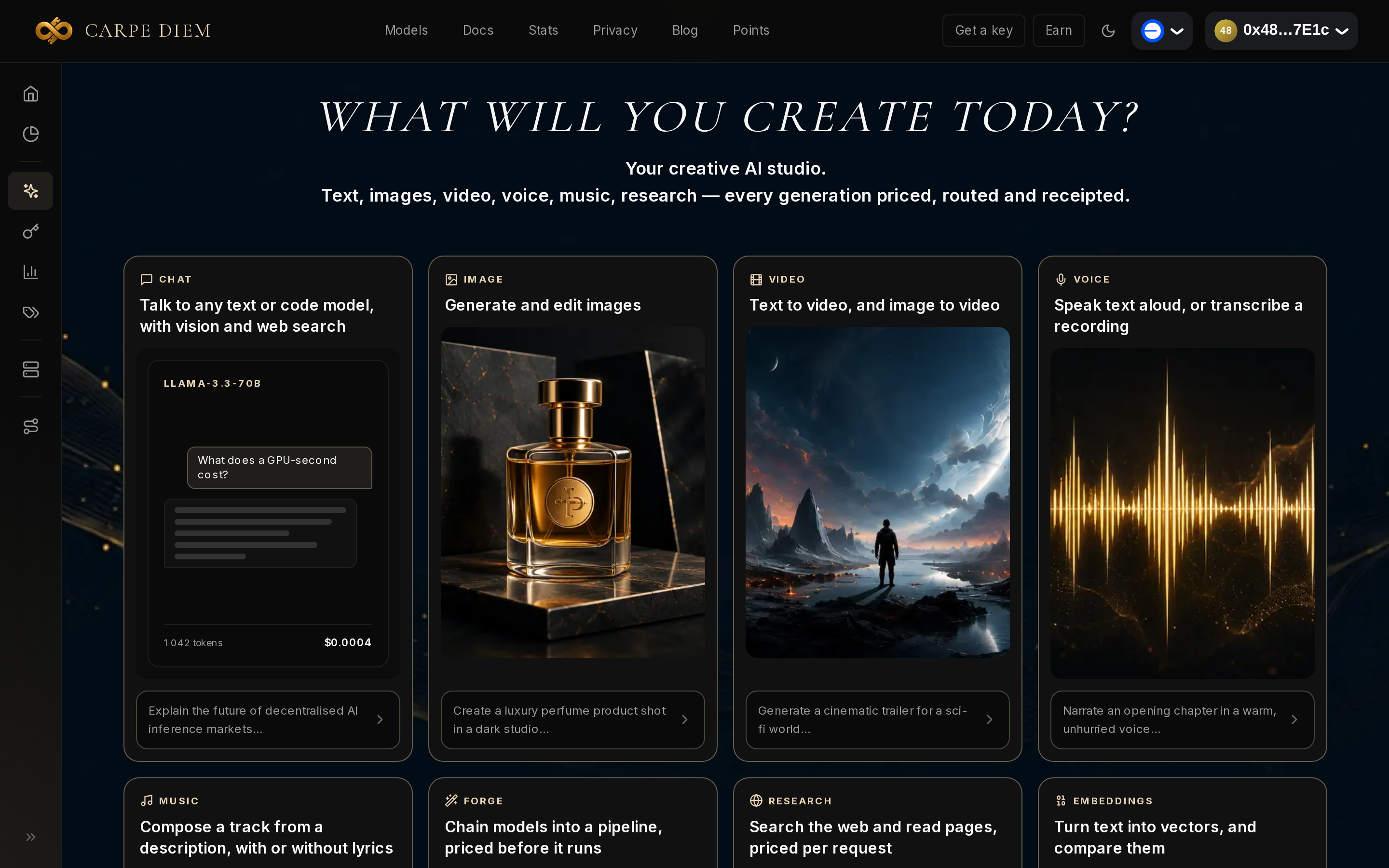
Create Hub, the playground in the Carpe Diem dashboard, lets you test a model and see its real price without writing code: you send a request and the receipt appears under the reply. We tried it on 18 October 2026 with a test account credited with 200 credits, that is $2. A Llama 3.3 70B chat cost $0.00050; a 5-second Flux 3 video, $0.401.
Before you start: credits, and a Best price switch
Create Hub first asks you to connect a wallet. No API key to create: the documentation states that the playground authenticates through the wallet session, and that the credit balance is used to pay, at 1 credit = $0.01.
The "Buy credits" link in the dashboard leads to Credits & keys, where a USDC deposit credits the account at 1 USDC = 100 credits. The Hub draws on credits, which are non-refundable.
The Chat and Video studios both open an Inspector panel on the right, with the balance and a Best price switch. We left it OFF: requests stay on Carpe, and the interface warns that this is "often dearer than an external market". On ON, each request is shopped across markets and the cheapest wins. The prices below were therefore measured without that competition, and we did not measure the gap with ON.
Eight studios, two tried
Once signed in, the page shows eight cards: Chat, Image, Video, Voice, Music, Forge, Research and Embeddings. The amounts printed on the cards ("$0.0004" for example) are fixed previews, not receipts. We only tried Chat and Video. To find a model before trying it, the catalogue lists the models.
A Llama 3.3 70B chat for 0.05 credit
The Chat studio opened on Llama 3.3 70B. We sent "Reply with the single word ok." and the reply arrived in 1.2 s with, just below, the receipt: 0.05 credit, that is $0.00050, model llama-3.3-70b. That amount corresponds to a one-line prompt and a one-word reply; a real conversation costs more, in proportion to the tokens exchanged. The studio header repeats the amount ("last $0.00050") followed by a short identifier: it is the provider that served the request, designated by a pseudonym.
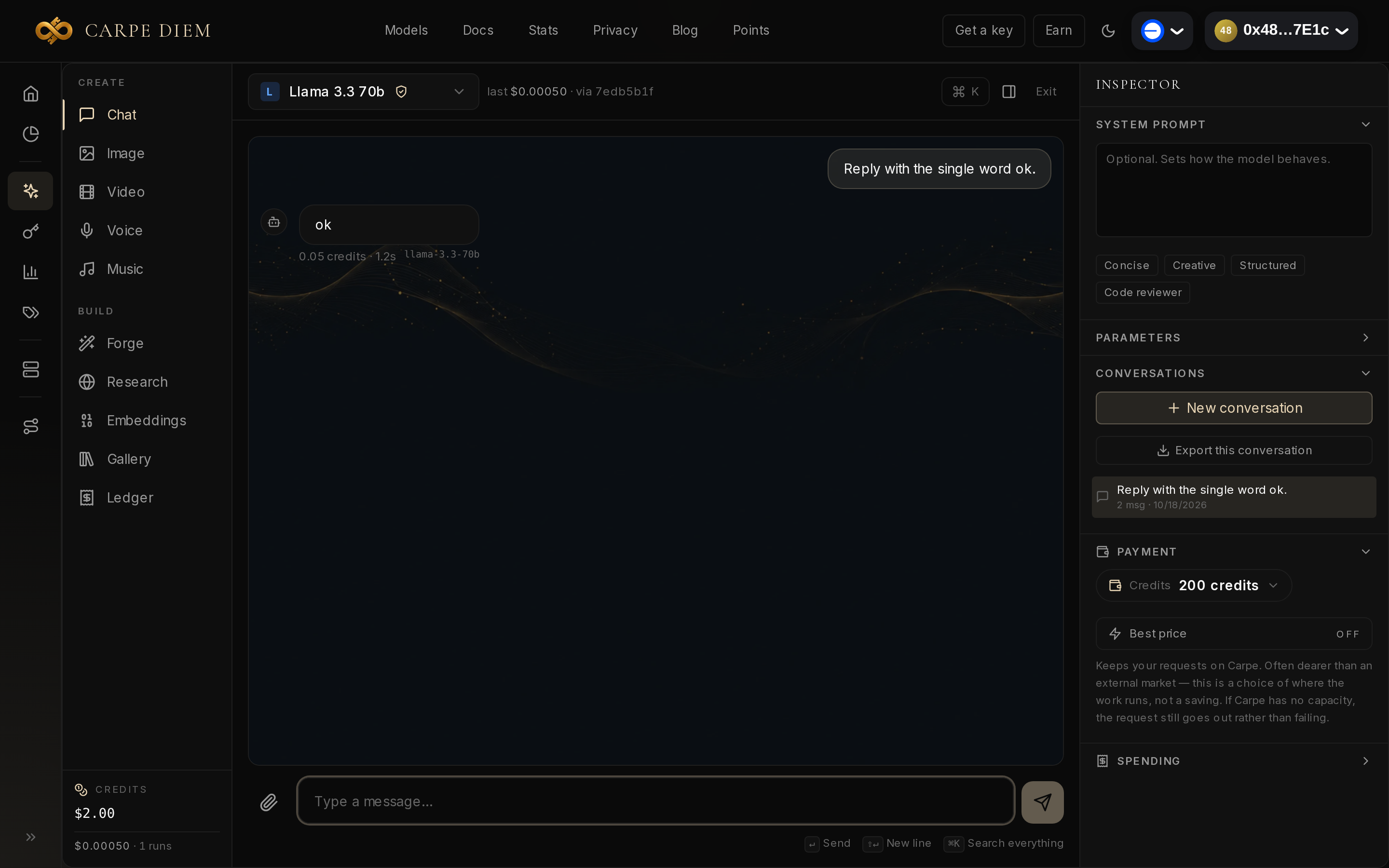
After the chat, the Inspector still showed "200 credits": it seems to round the balance to the integer (200 displayed for a real 199.95, 160 for 159.85 after the video). For a chat at five hundredths of a credit, read the receipt under the message, not the balance.
A 5-second video for $0.401, with confirmation
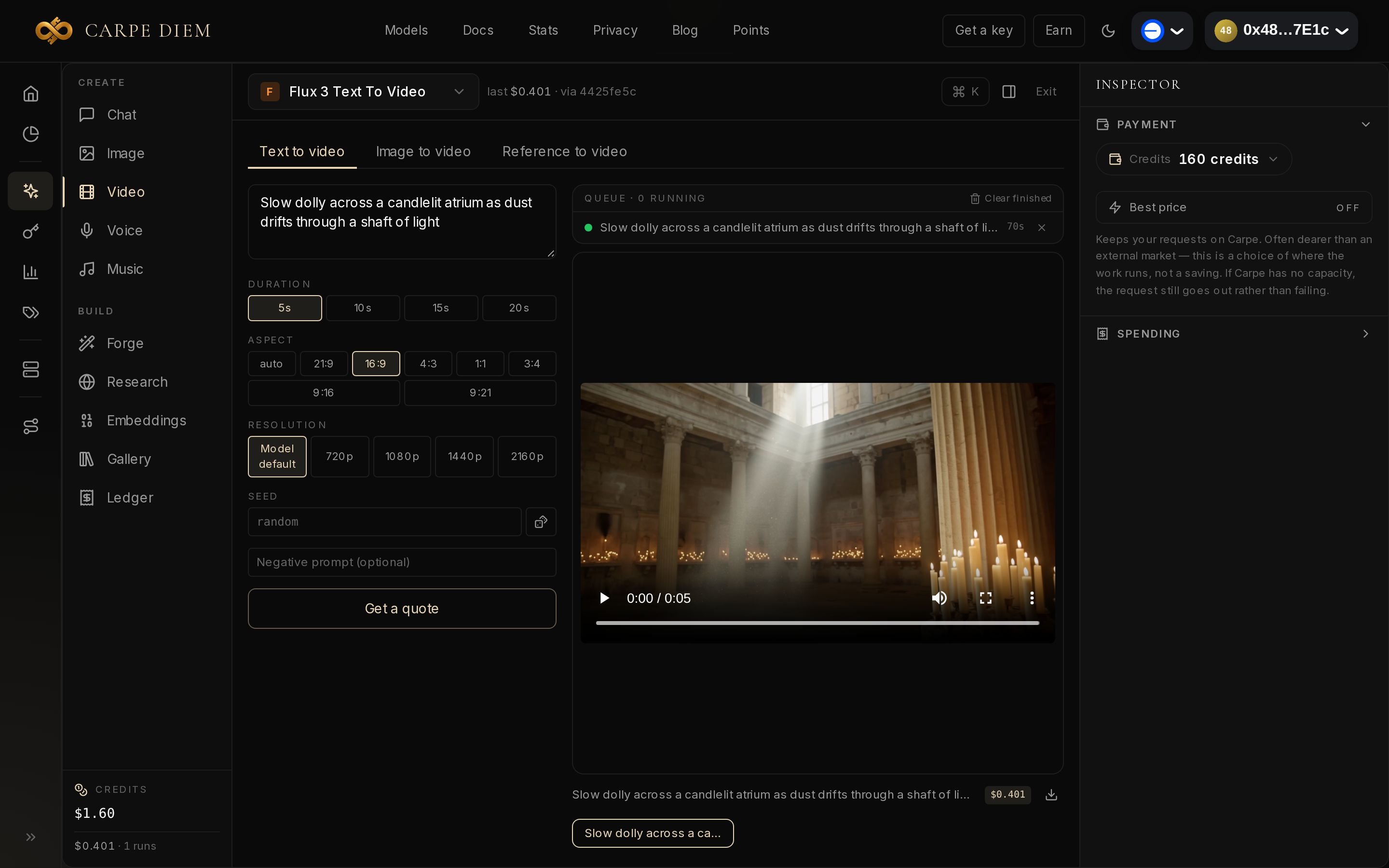
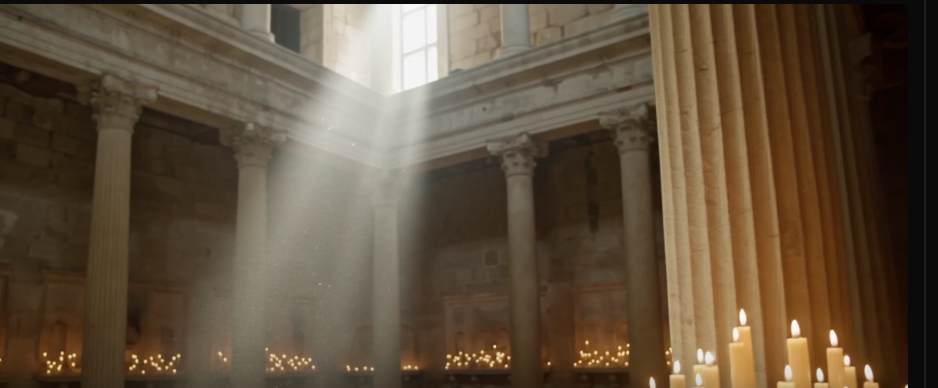
The default model in the Video studio, ltx-2-video, was no longer available ("This model is no longer available upstream"). Change it in the menu at the top of the studio, to the left of the "last" receipt, before GENERATE. We took Flux 3 Text To Video, 5 seconds, 16:9 format, with a one-sentence prompt: "Slow dolly across a candlelit atrium as dust drifts through a shaft of light". The quote shown: $0.401.
Above $0.25, GENERATE first opens a CONFIRM SPEND window, here "This video costs about $0.401"; the chat fell below that threshold. After the click on SPEND, the player displayed the 5-second clip, and the displayed balance went from 200 to 160 credits.
Where to start
Start with a short message in Chat to see the receipt, then check the quote in Video before clicking GENERATE. With $2, there was enough left to order three more clips at the same rate as ours, or thousands of messages as short. If the model suits you, the API reference and the OpenCode guide show how to call it next with a cdm_ key (section 4.3 of the documentation). To get your own receipt, open Create Hub.